Manual › Getting started
Starting the tool
To run version 7 of SIP Inspector a JRE (Java Runtime Environment) 17 or higher must be installed. The program is offered for Windows and for other operating systems (Linux and macOS). Unpack the zip file and keep the folders together: scenarios, pcap and values hold the samples, and the program creates security (keys and certificates) and Logs next to the executable when it needs them.
Windows:
SIPInspDlx.exe- double click it, or execute it, to get the GUI.SIPInspDlxCLI.exe- the command line mode. Run it from a command prompt, with options.
Other operating systems: ./SIPInspDlx starts the GUI without options and the CLI when options are given.
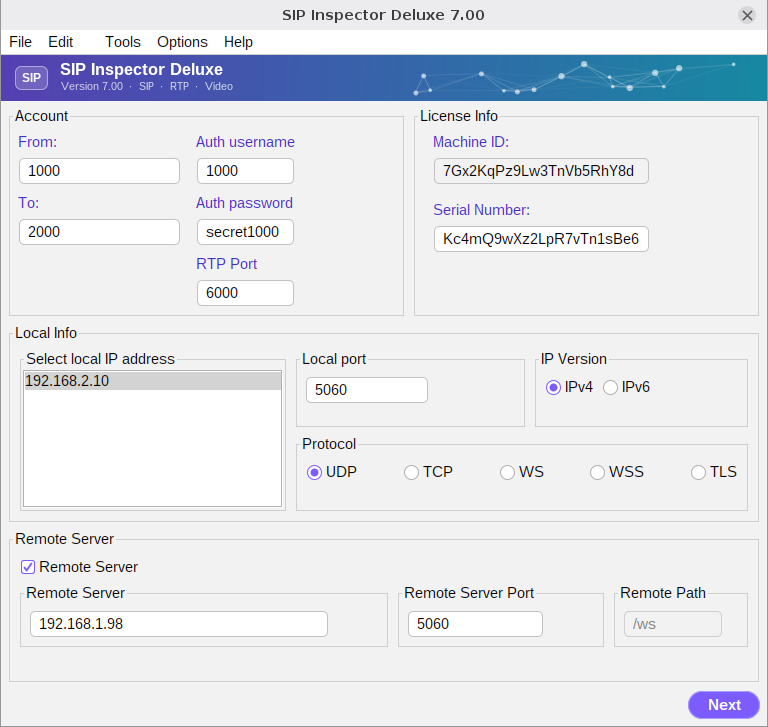
On Windows 64-bit a message like the following may appear. In that case run the program as administrator.
WARNING: Could not open/create prefs root node Software\JavaSoft\Prefs at root
0x80000002. Windows RegCreateKeyEx(...) returned error code 5.